

Completing A Design Exercise in 3 Hours
- Kate Fox
- May 15, 2020
- 2 min read
The Design Prompt
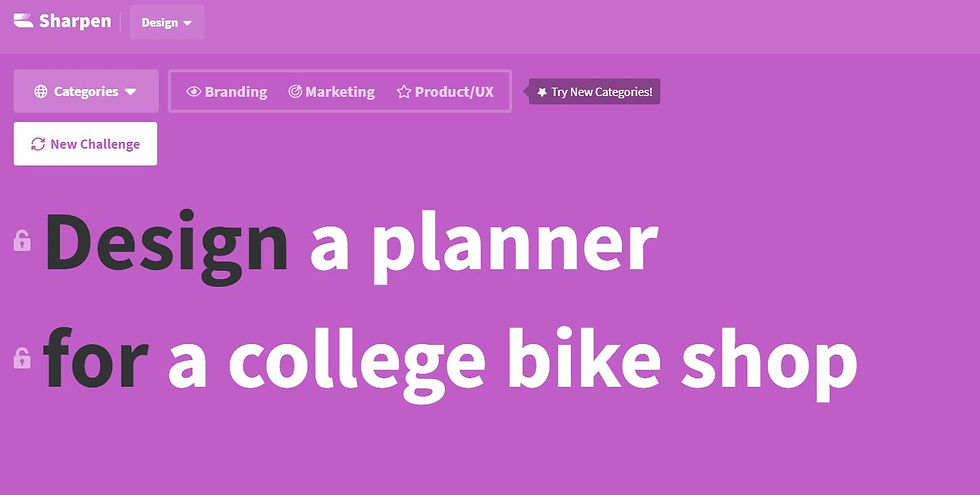
For this concept, I went to the site https://sharpen.design/ to see what kind of design exercise I could do in 3 hours or less. I was looking for something where I could use photoshop more now that I have furthered my knowledge on how to use it more efficiently. I refreshed the page multiple times till I found this exercise. I found this exercise would be perfect for what I was looking for because I had templates in photoshop where I could create a beautiful product display for the cover and inside of the planner.
The Tools I Used
The tools I used for this exercise were:
Paper
Pen
I needed a pen and paper to sketch my ideas down.
Microsoft Word
I used Microsoft word for notes and research findings to be put in.
Google Search
Google Search to gain a little knowledge about bike companies.
Google Images
Google Images to find inspiring images of bike logos.
Bike shop websites
To see their color choices and shapes they use.
Personal planner
To visually see how a planner looks like in the inside.
InDesign
To create a moodboard.
Illustrator
To illustrate a logo and a bike pattern.
Photoshop
To create a visually representation of a potential final product.
The Process
I started at 10 am creating my to-do list which consisted of:
Research
Create moodboard
Sketch Ideas
Create mockups
Add to website
I found three bike companies:


Next, I decided to stay true to creating a product and wanted to create my own bike logo so I started to lookup bike logo images. After finding my images for inspiration, I created a moodboard.

Now that I had a better idea of what I wanted to create, I started sketching my ideas down.

Now that I had my ideas drawn out, it was time to start illustrating. At this point, I realized that I wanted to create the logo showing the front view of the top part of a bike and somehow incorporate a gear. I started with black to figure out the shape and then messed about with color. I then started to look up vintage logos which gave me more inspiration for how the logo should appear for the final result.

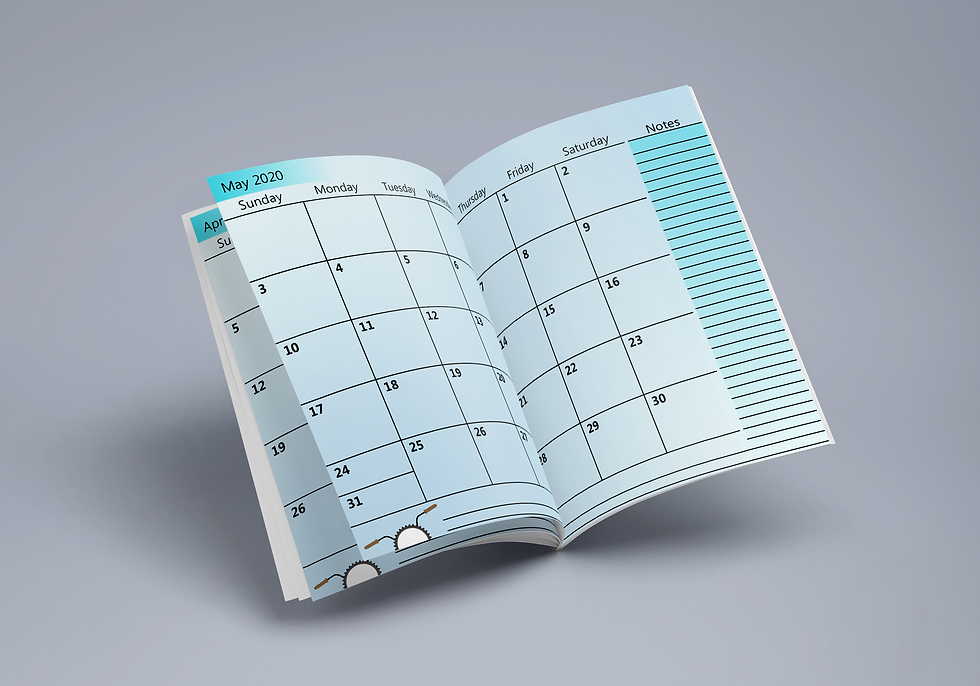
Now that I had my logo finished, I started to work on the cover and the inside view for the planner. I created them in illustrator and then used the photoshop templates that I had to put those illustrations onto. Photoshop makes it quick and simple to give a wonderful depth for a visual product. Finished exercise at 1 pm.
My Final Deliverables



Comments